Punch To Break A Mountain Player Tools
Planners and checklists that turn cash into clearer mountains.
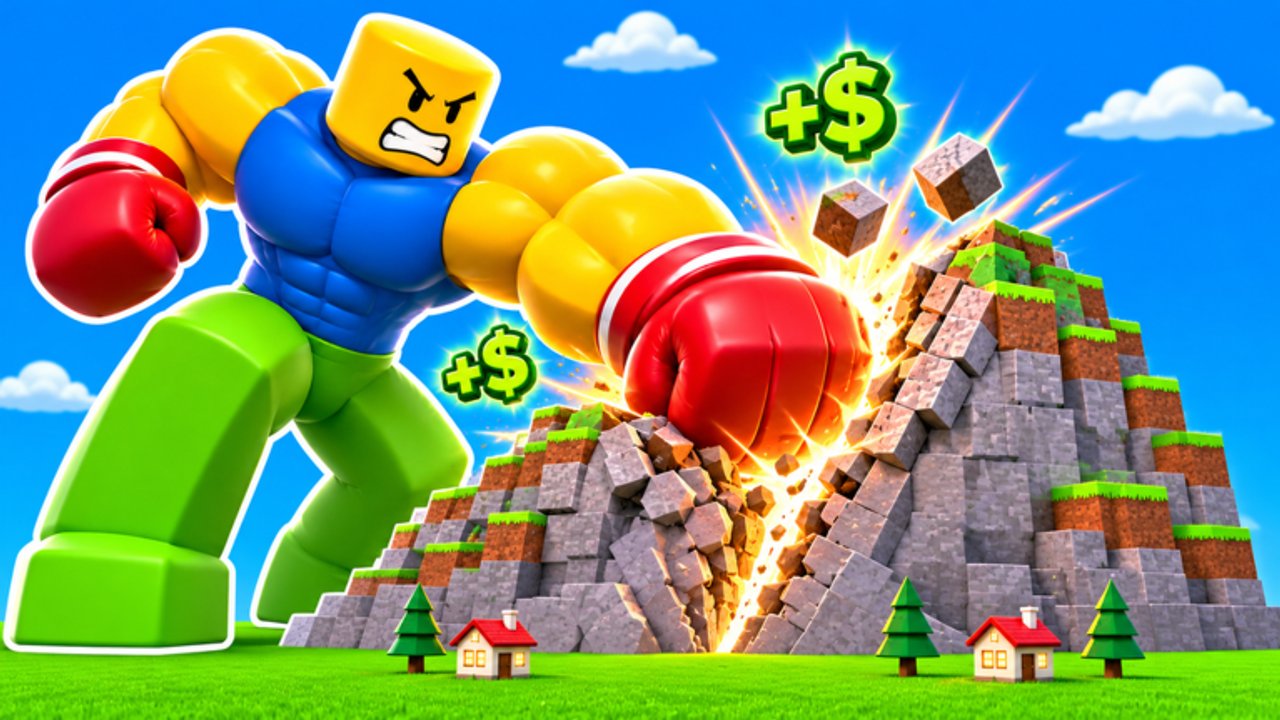
The Tools Hub hosts practical planners for Punch To Break A Mountain — lightweight checklists you can follow mid-session without a spreadsheet addiction. The first tool focuses on the decision every run revolves around: where the next pile of cash should go among power, speed, punch area, and backpack.
Roblox incremental sims punish random upgrades. Buying speed before backpack can leave you sprinting to sell every dozen punches. Buying vanity before punch area can stall Medium and Hard clears. These tools encode the advice from Upgrades, Getting Started, and How to destroy the Core into repeatable steps.
Tools available
- Upgrade planner — priority checklist for early, mid, and late spends, plus difficulty gates and skill-tree reminders
More calculators can join this hub later (gem goals, spin schedules, co-op role cards). For now the upgrade planner covers the highest-leverage decision surface.
How to use wiki tools
- Read the linked guide so you understand why a step exists.
- Run the checklist in-order during a live session on Easy until it feels natural.
- Adjust only after a patch — see Updates and November 2026.
- Combine with class/glove goals from the Tier List Hub rather than replacing them.
Suggested session flow
- Warm-up (5–10 min): Claim daily free Spin, check Codes, open the upgrade planner.
- Farm block: Punch → sell loops until the planner’s early breakpoints clear.
- Core attempt: Follow How to destroy the Core once backpack and power feel stable.
- Mobility pass: Spend gems/progress into skill tree flight/jump nodes when the planner says mobility > raw power.
- Squad optional: Bring friends with Co-op and reuse the same upgrade priorities so nobody is the bottleneck.
What these tools are not
- Not official TA Studios software
- Not Robux generators or executor loaders (Scripts Hub)
- Not a substitute for reading difficulty advice on Difficulties
Why a checklist beats vibes
Incremental sims reward boring consistency. Players who “feel rich” and dump ten speed ranks often stall their next Core. The upgrade planner forces a question after every sell: what bottleneck just hurt me? Answering that question for a week teaches more than any unverified auto-upgrade script.
Future tool ideas that fit this hub include gem-per-hour notes, Spin Wheel reminder cards, and co-op role cards you can paste into party chat. Until those exist, master the one planner that affects every run.
Related pages
Keep the Upgrade planner tab open on a second monitor or phone while you play on PC, or glance between punches on mobile. Small, consistent spends beat rare giant mistakes.
Frequently Asked Questions
Quick answers to the most common questions.
What tools are available right now?
The Upgrade planner checklist for power, speed, punch area, backpack, and related gates. More tools may be added after major content drops.
Do I need Robux to use these tools?
No. The planners are designed for normal cash/gem progression and No Robux leaderboard mindsets.
Should I follow the planner or my class tier list first?
Use both: pick a class direction, then let the upgrade planner spend cash efficiently for that kit.
Will patches break the planner?
Relative priorities (backpack before endless speed, mobility nodes matter) stay stable; absolute costs may change — recheck Updates after big patches.